Medication List Builder
Safety Tip: Ensure you include all prescriptions, over-the-counter (OTC) drugs, and herbal supplements to prevent dangerous interactions.
Current Medications & Supplements
Note: This tool is for organizational purposes. Always verify your medication list with your licensed healthcare provider or pharmacist.
Imagine being in an emergency room and the doctor asks exactly what doses you're taking. If you're stressed or unwell, it's incredibly easy to forget a supplement or mix up a dosage. It's a common problem-a 2022 study showed that 67% of ER patients couldn't accurately recall their medications. This isn't just a memory lapse; it's a safety risk. Using a medication list template is the simplest way to prevent dangerous drug interactions and ensure you get the right treatment every time.
Quick Takeaways
- Printable PDFs are best for fridge copies and emergency responders.
- Editable Word/Digital docs are ideal for those who update their prescriptions frequently.
- Comprehensive lists should include prescriptions, OTC drugs, vitamins, and traditional medicines.
- Regular updates are critical; outdated lists can be as dangerous as having no list at all.
Why You Actually Need a Medication List
It might seem like overkill if you only take one pill a day, but as we age, things get complex. The CDC reports that 54% of adults over 65 take five or more prescription drugs. When you add in over-the-counter (OTC) meds and herbal supplements, the risk of a bad interaction spikes. In fact, medication errors lead to about 1.3 million emergency department visits every year in the US.
A structured list does more than just remind you to take a pill. According to Dr. Michael Steinman from UCSF, using these lists can reduce reconciliation errors by 42% during hospital transitions. It turns a stressful conversation with a doctor into a quick, accurate data exchange. Whether it's a PDF you keep in your wallet or a digital file on your phone, having a "single source of truth" for your health is a vital part of any safety plan.
Choosing the Right Format: Printable vs. Digital
Depending on who is managing the meds-you, a spouse, or a professional caregiver-the best format changes. You don't want a complex digital spreadsheet if you need something a paramedic can read off your refrigerator in ten seconds.
| Format | Best For | Pros | Cons |
|---|---|---|---|
| Printable PDF | Emergency access, seniors | No tech needed, easy for medics to see | Hard to update frequently |
| Editable Word/Doc | Caregivers, chronic conditions | Easy to add/remove meds quickly | Requires a computer/printer |
| Digital/Fillable PDF | Tech-savvy users, mobile storage | Stored on phone, no paper clutter | Battery/device dependency |
| Drug Cards | Nursing students, complex learners | Deep detail (mechanism of action) | Too much detail for general use |
Top Free Template Options and Who They're For
You don't need to pay for a fancy app to stay safe. Several authoritative organizations provide free templates tailored to different needs.
For General Health Management
If you want something comprehensive, PrintFriendly offers a template with nine essential fields, including dosage strength, frequency, and the specific condition the med treats. It's a great all-rounder for people who want a clean, professional layout without any fuss.
For Caregivers and Family Support
Family Caregivers Online provides one of the most versatile options. They offer both PDF and Word formats, which is a lifesaver for those who need to tweak the document to fit a loved one's specific needs. Pro tip: they suggest taking a photo of the final list and keeping it on your phone, so you're never without it during an appointment.
For Professional or Clinical Accuracy
The ASCP Foundation (American Society of Consultant Pharmacists) creates templates that are highly respected by doctors. Their versions are often used in hospital discharge protocols because they focus on clinical accuracy. If you are managing high-risk medications, this is the standard to follow.
For Cultural and Inclusive Care
Not everyone uses standard pharmacy meds. The CDC provides a specialized version for tribal communities that includes a specific section for traditional cultural medicine. This is crucial because some herbal remedies can interact with prescription blood thinners or heart medications.
How to Build Your List Without Getting Overwhelmed
A common mistake is trying to make the list too perfect on the first try. Dr. Lisa Kern from Weill Cornell Medicine found that templates with more than 10 fields actually have a 57% lower maintenance rate among elderly patients. If it's too complex, you won't use it. Keep it lean.
Follow these steps to get your list ready in about 10-15 minutes:
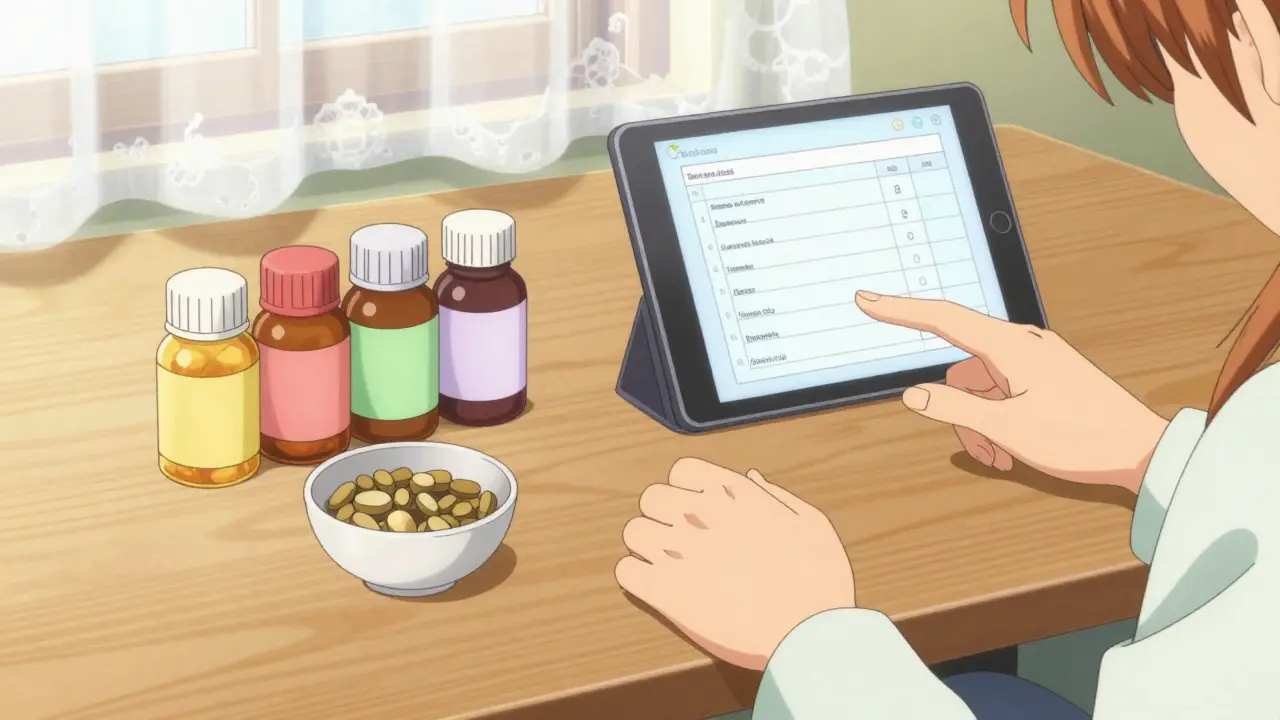
- Gather Everything: Put every bottle-prescriptions, vitamins, and those "natural" supplements-on the table.
- Separate by Category: Use a template that separates prescriptions from supplements. This helps pharmacists spot potential interactions faster.
- Be Specific: Don't just write "Lisinopril." Write "Lisinopril 10mg, once daily in the morning."
- List the Prescriber: Include the doctor's name for each med so the hospital knows who to call for verification.
- Note Your Allergies: Always put your drug allergies in bold at the very top of the page.
Avoiding the "Outdated List" Trap
A list is only useful if it's current. A 2024 Johns Hopkins study found that 19% of medication lists brought to appointments contained at least one drug the patient had already stopped taking. That's a recipe for a medical error.
To keep your list fresh, try these a-few simple tricks:
- The Pharmacy Trigger: Every time you pick up a new prescription or a dose changes, update the list immediately. Don't wait until you get home.
- Calendar Alerts: Set a monthly reminder on your phone to review your list.
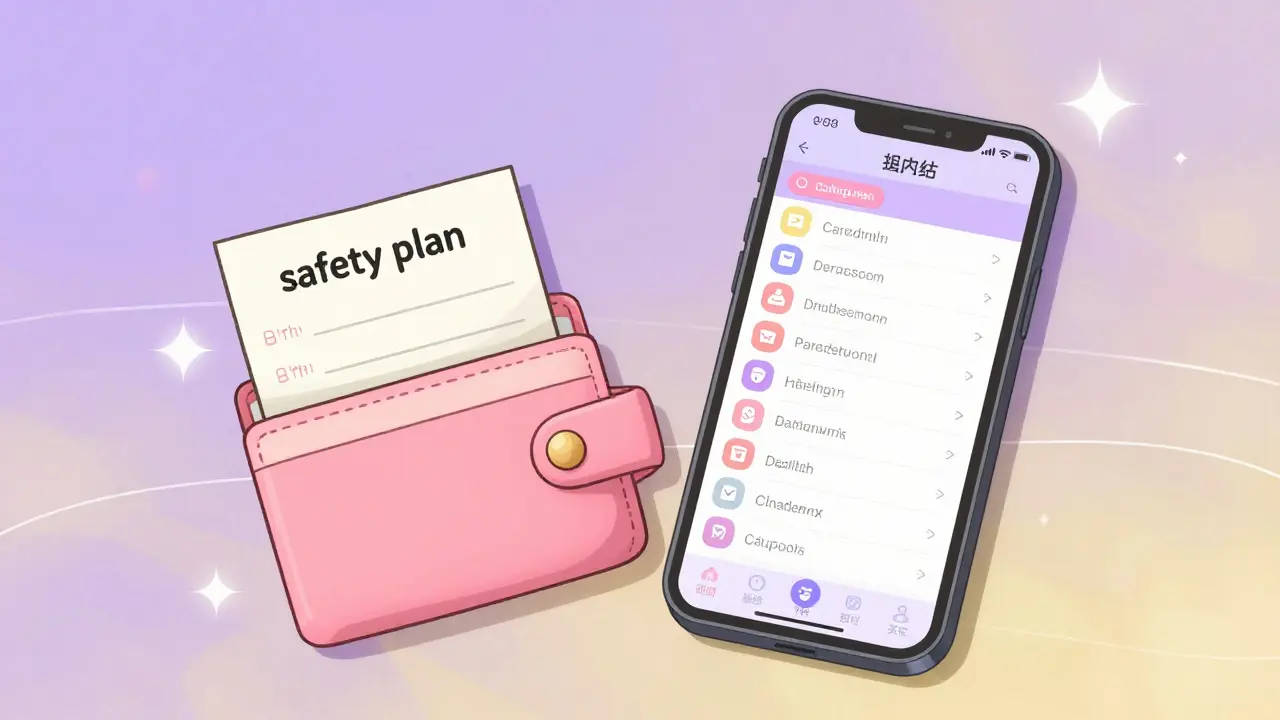
- The Fridge-and-Wallet System: Keep one copy on the fridge for paramedics and a folded copy in your wallet for yourself.
Is a digital medication list safer than a paper one?
Neither is strictly "safer," but they serve different purposes. Digital lists (on smartphones or cloud storage) are easier to update and share with multiple doctors. However, paper lists are superior in emergencies because they don't require a passcode, a charged battery, or a cellular signal for a paramedic to read them.
Should I include vitamins and herbal supplements?
Yes, absolutely. Many people assume "natural" means "safe," but supplements like St. John's Wort or Ginkgo Biloba can seriously interfere with prescription medications, including antidepressants and blood thinners. Your doctor needs the full picture to avoid adverse reactions.
What happens if I don't have a printer?
You can use a fillable PDF via a web browser or a simple Word document on your phone. If you need a physical copy but don't have a printer, many local libraries or pharmacies can help you print a single page. Alternatively, a handwritten list on a clear piece of paper is still far better than relying on memory.
How often should I update my medication list?
Update it immediately whenever a doctor changes a dose, stops a medication, or adds a new one. As a general rule, perform a full review once a month to ensure nothing has been missed, especially if you are managing multiple chronic conditions.
Are there free apps that do this automatically?
While free templates are manual, there are apps like Medisafe that help with tracking. However, most free templates provided by the FDA or CDC are designed for simplicity and interoperability-meaning any doctor can understand them without needing to download a specific app.
Next Steps for Your Safety Plan
If you're managing meds for yourself, start by downloading a simple PDF today and filling it out. If you're a caregiver, the Word format from Family Caregivers Online is your best bet so you can customize the layout for the person you're helping.
If you find that manual lists are too difficult to maintain, consider asking your pharmacist if they can provide a printed "patient medication profile." This is a professional printout of everything you've filled at that pharmacy, which you can then use as a base to add your vitamins and supplements.
David Snyder
April 12, 2026 AT 01:51This is such a helpful reminder for everyone. It's amazing how a simple piece of paper can actually save a life during a medical crisis.
Sam Dyer
April 12, 2026 AT 10:49Typical government-funded advice telling us to use a PDF. Just use your brain or a notebook like a real American 🇺🇸. Honestly, these "studies" are just noise to make us feel like we can't function without a template. Get a grip! 🙄
Mark Dueben
April 13, 2026 AT 07:39I think it's worth noting that for some, the barrier isn't the template but the access to a printer. Maybe we can suggest community centers for those who don't have the tech at home.
Kenzie Evans
April 14, 2026 AT 16:30Why is this even a guide? It's common sense. If you're too lazy to write down your meds, you're just asking for a mistake. Also, the layout of the comparison table is absolute garbage and hard to read. Do better.
Scott Lofquist
April 14, 2026 AT 21:04Actually, relying on a manual list is practically prehistoric in the age of interoperable EHRs! 🙄 Why are we still pretending paper is a viable safety net when a cloud-synced portal is objectively superior? People just love clinging to outdated habits 🤡💅
Randy Ryder
April 16, 2026 AT 00:50From a clinical standpoint, the pharmacokinetics of certain supplements can lead to significant CYP450 enzyme inhibition, which is why the mention of the CDC tribal template is so critical for preventing adverse drug events during acute care transitions.
rupa das
April 16, 2026 AT 08:11digital lists are just a way for companies to track our health data more
Mary Johnson
April 17, 2026 AT 01:23You people are so naive. You think the hospitals actually want accurate lists? They want you on a cocktail of meds that keep you coming back. These "templates" are just a way for the system to catalog your biological data for their databases. I keep my meds in a coded diary that no one can find because once they have your list, they own your health profile. It's all about control and the pharma giants making a profit off your desperation while they pretend to "help" with a free PDF. Wake up and see the strings!
Ikram Khan
April 18, 2026 AT 01:44Wow! This is absolutely life-changing stuff! 🌟 I never even thought about the fridge system! Imagine the chaos if a paramedic couldn't find the info! Truly a masterpiece of organization! 🚀
Princess Busaco
April 19, 2026 AT 00:19It is frankly exhausting how these articles assume a level of linear cognitive function that simply doesn't exist for the average person who is battling the spiritual drain of chronic illness, and while the author suggests a "lean" list, they completely fail to acknowledge the emotional trauma of having to recount one's medical failures every single time they enter a sterile clinic environment, which makes the act of updating a list feel less like safety and more like a relentless reminder of one's own fragility in a cold, uncaring healthcare system that views us as mere insurance codes rather than human beings with souls.
Becca Suttmiller
April 20, 2026 AT 00:12I appreciate the focus on including allergies at the top. That's a boundary that needs to be clearly set for any medical professional before they administer any treatment.